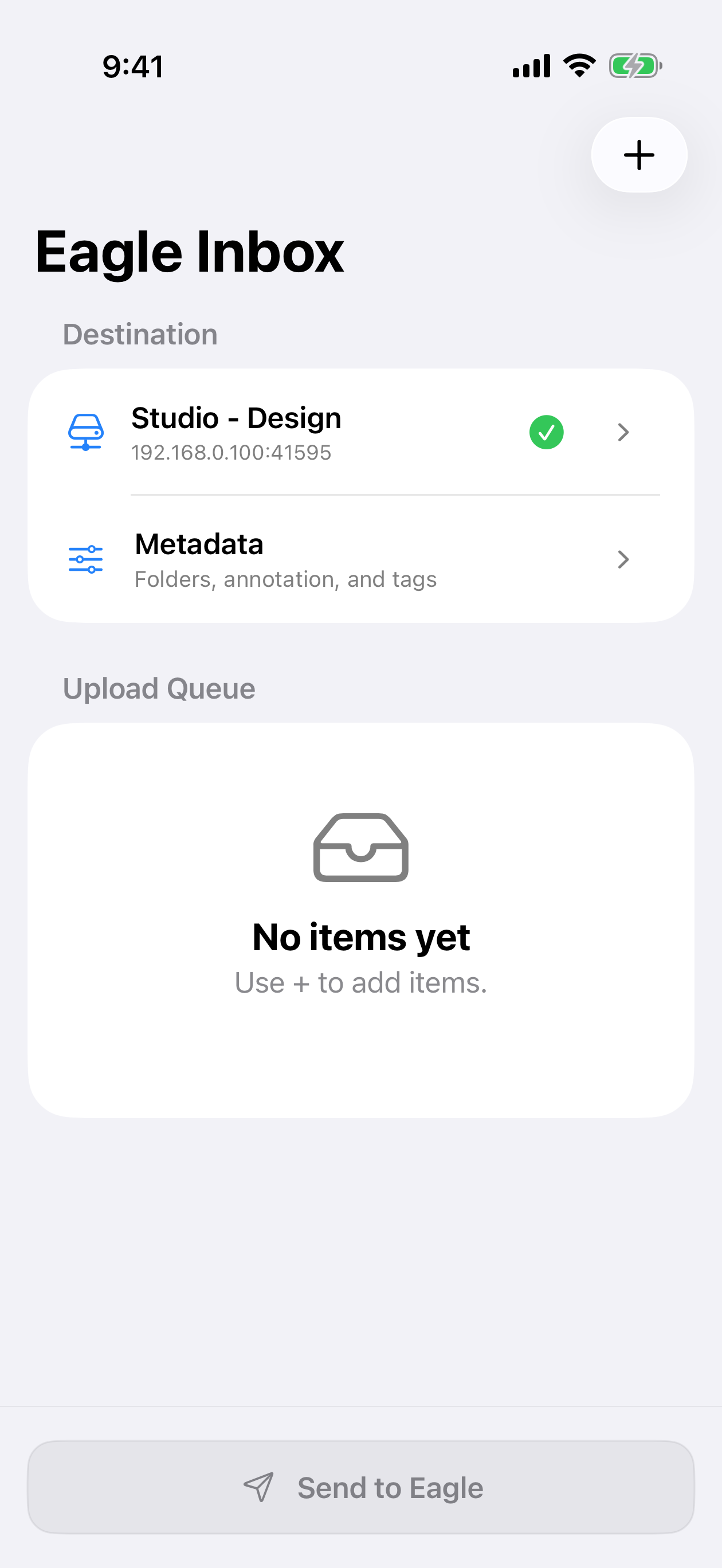
Eagle Inbox

Privacy Policy

Effective date:

This Privacy Policy explains how Eagle Inbox (the “App”) handles information when you use the App, its Share Extension, or its Apple Shortcuts actions. Eagle Inbox is designed to send content directly from your device to the Eagle desktop app or to an Eagle Web API compatible endpoint that you choose.

Privacy at a glance

  • No developer-operated upload server. Your files, URLs, and metadata are sent directly to the destination you configure. They are not relayed through an Eagle Inbox server.
  • No advertising, analytics, or tracking SDKs. The App does not use third-party advertising or analytics services and does not track you across apps or websites.
  • Settings stay on your device. Connection settings and preferences are stored locally. API tokens are stored in the iOS Keychain.
  • You control what is sent. The App accesses photos, files, and URLs only when you select or share them, and sends them only when you initiate an upload or run a configured Shortcut.

1. Scope

This policy applies to the Eagle Inbox iOS app, its Share Extension, and its Apple Shortcuts actions. It does not govern the Eagle desktop app, Apple’s services, websites whose URLs you add, or third-party Eagle Web API compatible endpoints. Those services are governed by their own privacy practices.

2. Information the App handles

Depending on the features you use, the App may process the following information on your device or send it to your selected destination:

Content you choose to send

Photos, videos, audio files, PDFs, other supported files, and web URLs that you select in the App, share from another app, or provide to an Eagle Inbox Shortcut.

Upload metadata

Folder selections, tags, annotations, filenames, media types, and other information needed to create the item in your Eagle library.

Connection information

The connection name, host or IP address, port, HTTP or HTTPS setting, API token if you provide one, and the name of the destination Eagle library. The App may also retrieve folder names, tags, tag groups, and library information from the selected destination so that you can choose upload metadata and verify the destination.

Local app state

App preferences, selected connection, recent metadata choices, and a locally cached record of whether Eagle Inbox Pro is available. The App may create temporary local copies of selected files while preparing or performing an upload.

URL previews

When you add a web URL, Apple’s Link Presentation framework may contact that website to retrieve an icon or preview image. The website may receive network information such as your IP address under its own privacy practices.

The developer does not receive this information through the App and does not maintain a server-side account or database for Eagle Inbox.

3. How information is used

The App uses the information described above only to:

  • connect to and test the destination you configure;
  • display destination libraries, folders, and tags;
  • prepare, send, monitor, and retry uploads you initiate;
  • remember your settings and selected connection on your device;
  • verify and restore your Eagle Inbox Pro purchase through Apple; and
  • show optional local notifications about upload results.

The App does not use your content or connection information for advertising, profiling, data brokerage, or training artificial intelligence models.

4. Sharing and disclosure

The developer does not sell, rent, or share your personal information for advertising. Information may leave your device only in the following circumstances:

  • Your selected destination: content, metadata, connection requests, and an API token if configured are sent to the Eagle installation or compatible endpoint you choose.
  • Apple services: Apple processes purchase and entitlement information for Eagle Inbox Pro and provides system frameworks used for file selection, sharing, previews, notifications, and Shortcuts. Apple handles that information under its own privacy policy.
  • At your direction: when you choose content, share it with the App, configure an endpoint, or run a Shortcut.
  • Legal requirements: if the developer later receives information directly from you, such as in a support request, it may be disclosed where reasonably necessary to comply with law or protect rights, safety, and security.

5. Storage, retention, and deletion

  • Connection details and preferences remain on your device until you change or delete them. API tokens are stored in the iOS Keychain rather than in ordinary app preferences.
  • Temporary upload files are used only to prepare or complete an upload and are removed by the App when they are no longer needed. iOS may also manage temporary storage.
  • You can remove a saved connection in the App to delete its locally stored connection details and API token. Because Keychain behavior is controlled by iOS, remove saved connections before uninstalling the App if you want to ensure their Keychain items are deleted.
  • Content already sent to Eagle is stored and controlled by your selected destination. To delete it, remove it from that Eagle library or contact the operator of a compatible endpoint.
  • The developer has no Eagle Inbox server-side copy to access, export, or delete. Support messages sent by you are retained only as long as reasonably needed to respond, maintain support records, or comply with legal obligations.

6. Network security

For a direct connection to the Eagle desktop app, Eagle Inbox normally uses HTTP on your local network. HTTP does not encrypt the API token, uploaded content, or metadata in transit. The Eagle Web API includes the API token in URL query parameters. Use HTTP only on a trusted, private network, and do not expose an unencrypted Eagle API endpoint to the internet or use it over public Wi-Fi.

The App also supports HTTPS for compatible custom endpoints. HTTPS connections must use a certificate trusted by your device. No method of storage or transmission can be guaranteed to be completely secure, and you are responsible for securing the destination you configure.

7. Apple services and permissions

The App may request access to the local network so it can reach Eagle, and it uses system pickers or the Share Sheet for content you choose. Notifications are optional and are used only to report upload results. You can manage permissions in iOS Settings.

Eagle Inbox Pro is a non-consumable in-app purchase processed by Apple. The developer does not receive your full payment-card details. The App receives product and entitlement status from StoreKit so it can unlock Pro features and restore purchases. For information about Apple’s data practices, see Apple’s Privacy Policy.

8. This website

This privacy-policy page does not set cookies and contains no advertising or analytics code.

9. Children’s privacy

Eagle Inbox is not directed to children under 13, and the developer does not knowingly collect personal information from children through the App.

10. Changes to this policy

This Privacy Policy may be updated to reflect changes to the App or applicable requirements. The updated policy will be posted at this URL, and the effective date at the top of the page will be revised. Material changes will be communicated through an appropriate channel when required.

11. Contact

For questions or feature requests about Eagle Inbox, contact the developer at contact@bbbit.cc.

Do not include API tokens, private URLs, personal files, or other sensitive information.